Notifications on Microsoft Teams
Last updated: March 2, 2026
Below is a table of the notifications users will get on Tigerhall in Microsoft Teams.
Please note that the user needs to enable notifications from Tigerhall in order to view the “Activity” notifications. Further, all users must be logged in to Tigerhall to receive all the notifications listed below.
Notification Location | Notification Type | Target Audience | Notification Body |
Bot | Welcome message | All users who have logged in for the first time |  |
Bot | Action assigned | All users who have a new action | 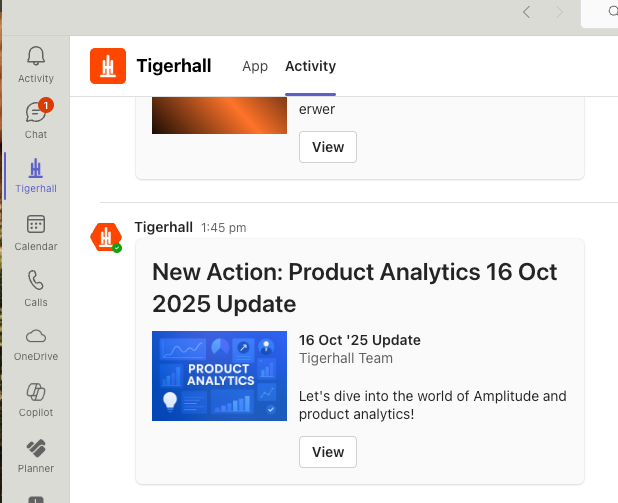 |
Channel | When a new content is added in one of the Tigerhall Topics that are part of the channel | All users who are part of the MS Teams channel | 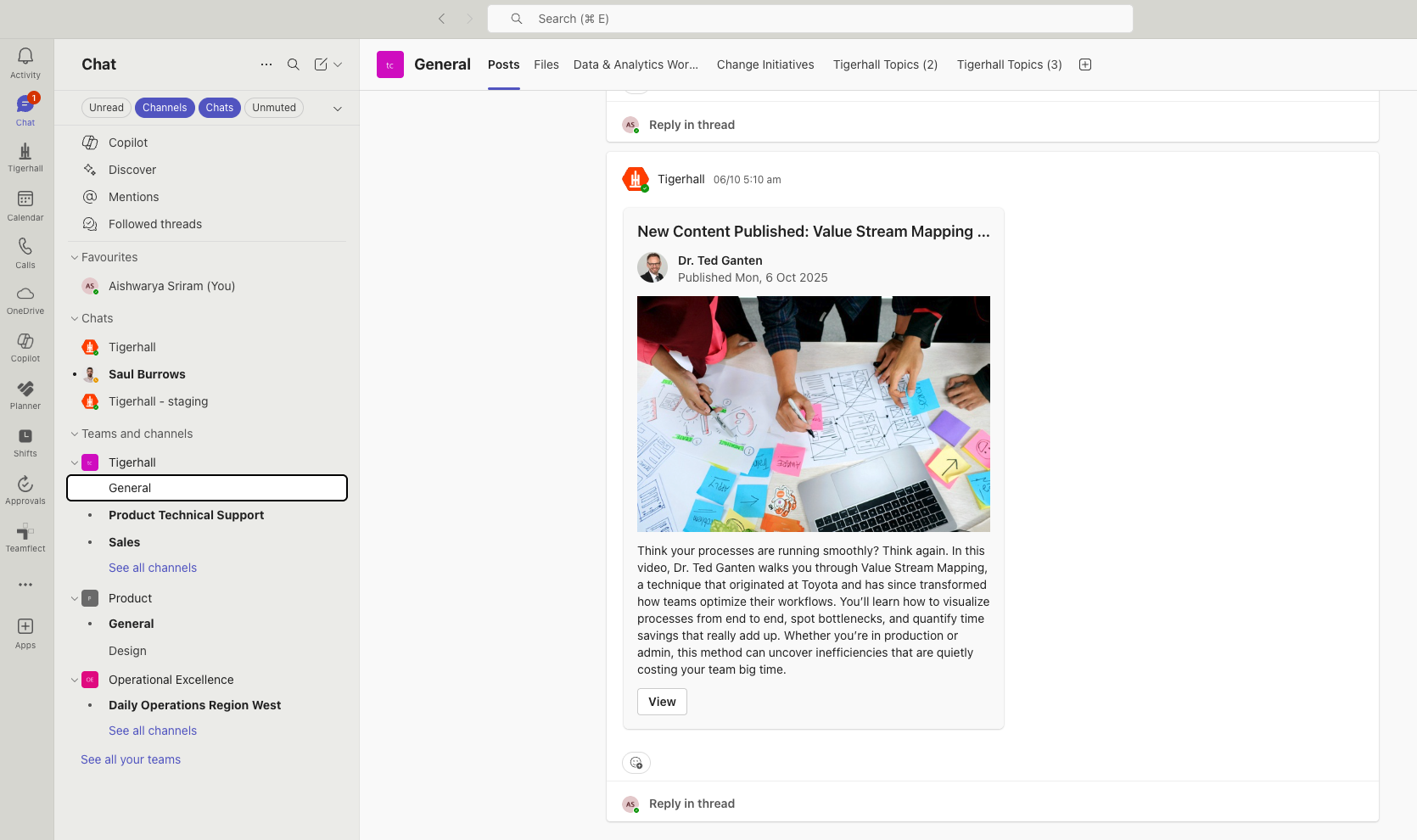 |
Activity | Action due date changed | All users who have been assigned the action | The new due date for <assignment name> is <dd/mm/yy> Tigerhall Assignment Details Updated |
Activity | Action due in 7 days | All users who have been assigned the action | Assignment due in 7 days! <Assignment name> is due on <dd/mm/yy> |
Activity | Action due in 24 hours | All users who have been assigned the action | Assignment due soon! <Assignment name> is due tomorrow! |
Activity | Livestream live | All users who are part of the target audience for the selected livestream | <first name of user who went live> is live talking about <livestream title> Tigerhall <first name of user who went live> is live! |
Activity | Organization announcement on feed | All the users in the organization | <full name of org admin who posted>: “<post details>… Tigerhall New Announcement |
Activity | Comment on feed post or content comments | Feed post owner | <first name of user who commented> commented: “<comment details>… Tigerhall New Comment |
Activity | Mentioned in a feed post, feed comment, feed comment reply, content comment, content comment reply | User who has been mentioned | <first name of user who tagged> mentioned you in the feed: “<comment details>…” Tigerhall New Mention |
Activity | Reply in a thread you’re part of - in feed or content comments | All users who are part of a comment thread | <first name of user who replied> replied: “<reply details>… Tigerhall New Reply |
Activity | User followed | The user who has been followed | <name> started following you! Tigerhall New Follower |
Activity | User followed back | The user who followed another user | <name> followed you back! Tigerhall New Follower |