A Guide To Using Tigerhall's Key Features
Last updated: February 26, 2026
Watch this video to get a quick understanding of what you can expect once you log in to Tigerhall. To learn more about certain features, watch this trail on Tigerhall.
Find more information on the following topics below:
Login
How can I login to my Tigerhall account?
Once your company has taken a subscription with Tigerhall, you can access the platform through the web app and the mobile app (downloadable on App Store & Play Store)
If your org has SSO, you can use the SSO logins to log in to Tigerhall.
If your org does not have SSO, use your email ID and password sent in the Welcome email from Tigerhall that includes your credentials.
Engagement Features
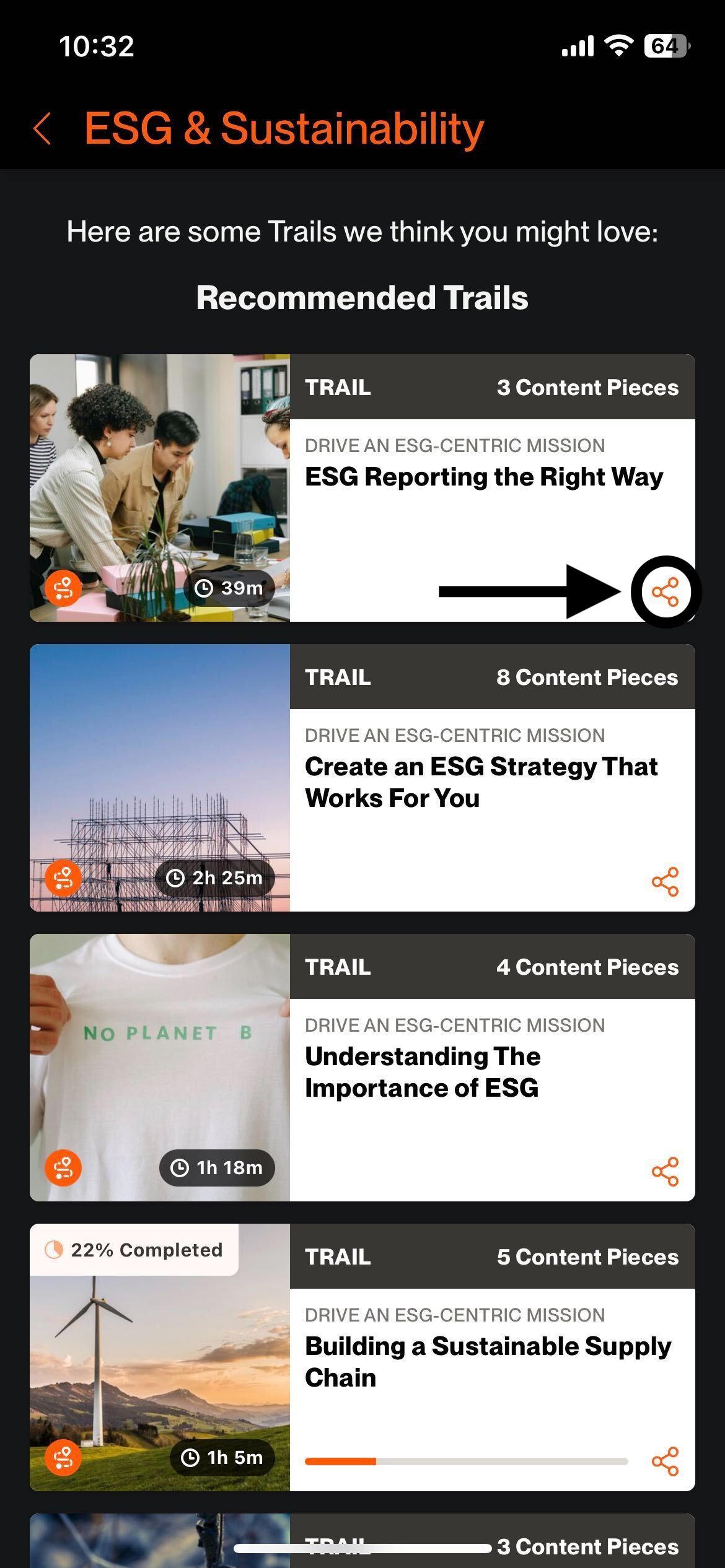
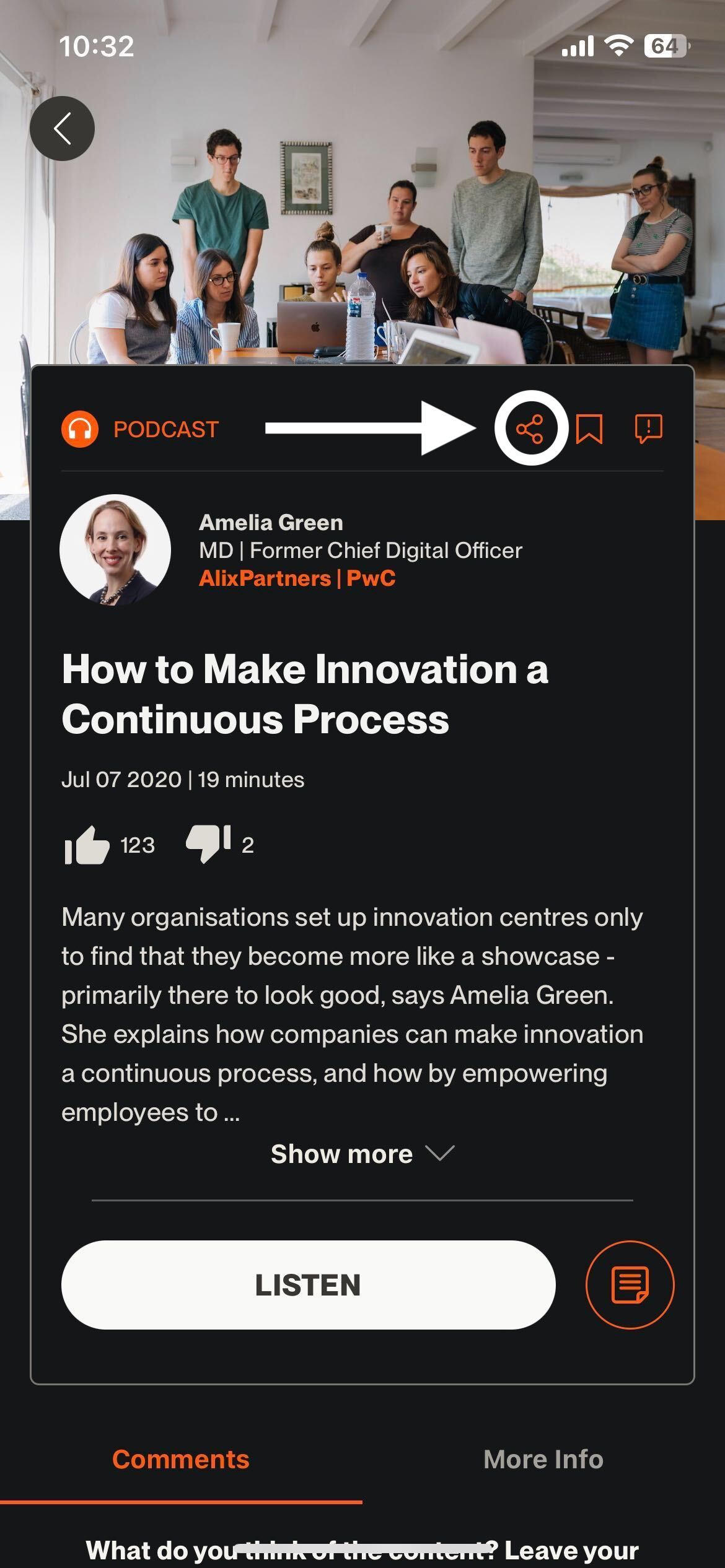
How can I share content?
To share a content piece simply click on the share icon and choose how you want to share it.
How do I follow users on Tigerhall?
Watch this video to learn where to find users to follow on Tigerhall.
How do I create a feed post?
Go to the feed
Click on “What’s on your mind?”
You can now choose your post audience
Type out our feed post
Hit post!
How do I use the feed features?
Check out this video to learn more about reactions, comments, and reposting in Tigerhall Feed.
Content
What are trails?
Trails are learning journeys that include several content pieces curated by our team to help you gain an in-depth understanding of a particular subject matter, eg: Leading a Remote & Hybrid Team.
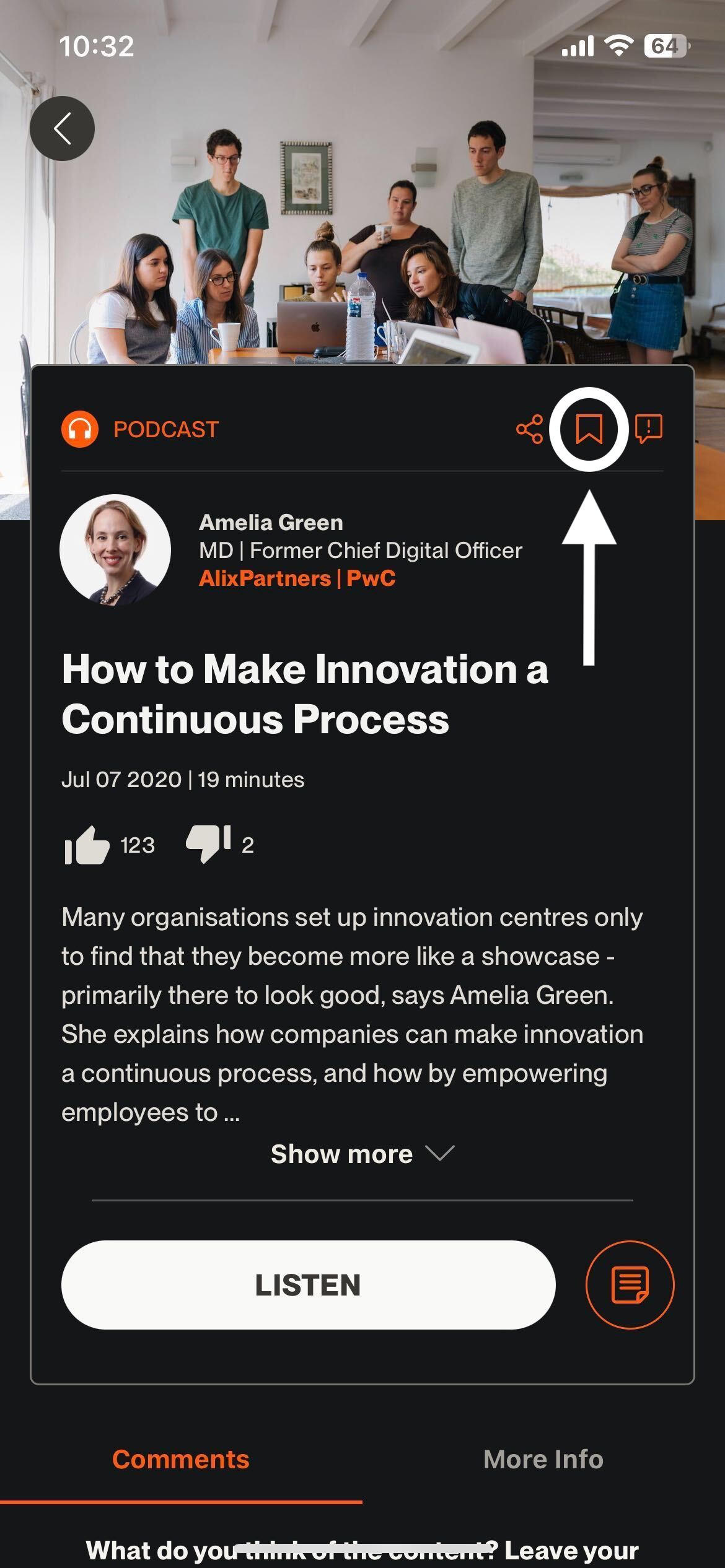
How can I save/bookmark my favourite content pieces?
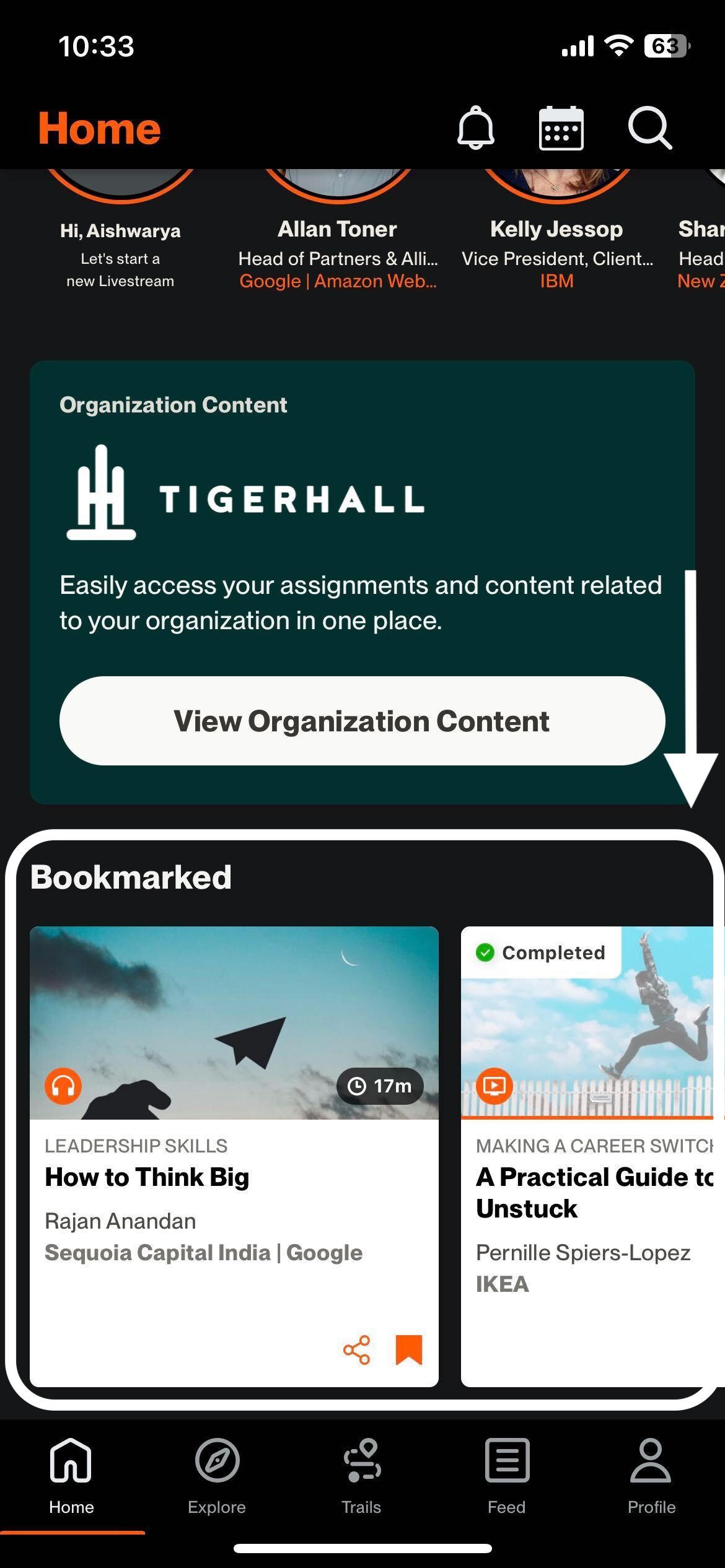
You can easily save your favorite content pieces using the bookmark feature. Simply click on the bookmark button on any content piece to add it to your bookmarked list. You can access your bookmarked pieces on the Explore page (Homepage on mobile).
How do I search for content on Tigerhall?
Click on the search icon in the top right corner of your web and mobile apps to access the search. Once you land here, you will notice different tabs to help you navigate content based on content type. You can also search for users and Thinkfluencers. We also provide filters to help you narrow down your search.
How do I change my preferred language on Tigerhall?
Head over to your Account Settings → Language to change your preferred language. Please note that changing this changes the language of all the content on the platform (it’ll play the content in your default language when available). Changing your preferred language doesn’t change the language of the entire platform.
Please be mindful that our translations are AI-generated. There might be some minor errors and if you would like to provide feedback please head over to the language section and share your thoughts with us.
What languages are available on Tigerhall?
The following are the languages available in Tigerhall, depending on the settings by your company admin. Please note that changing your default content language will only change the language in which content is displayed in the app, it will not change the entire app’s text. To change your default content language head over to the Languages section under Account/Profile settings.
Bahasa
Bengali
Croatian
Czech
Danish
Dutch
English
French
German
Greek
Hindi
Hungarian
Italian
Japanese
Korean
Malay
Mandarin
Norwegian
Polish
Portuguese
Romanian
Russian
Spanish
Swedish
Tagalog
Thai
Turkish
Ukrainian
Urdu
Vietnamese
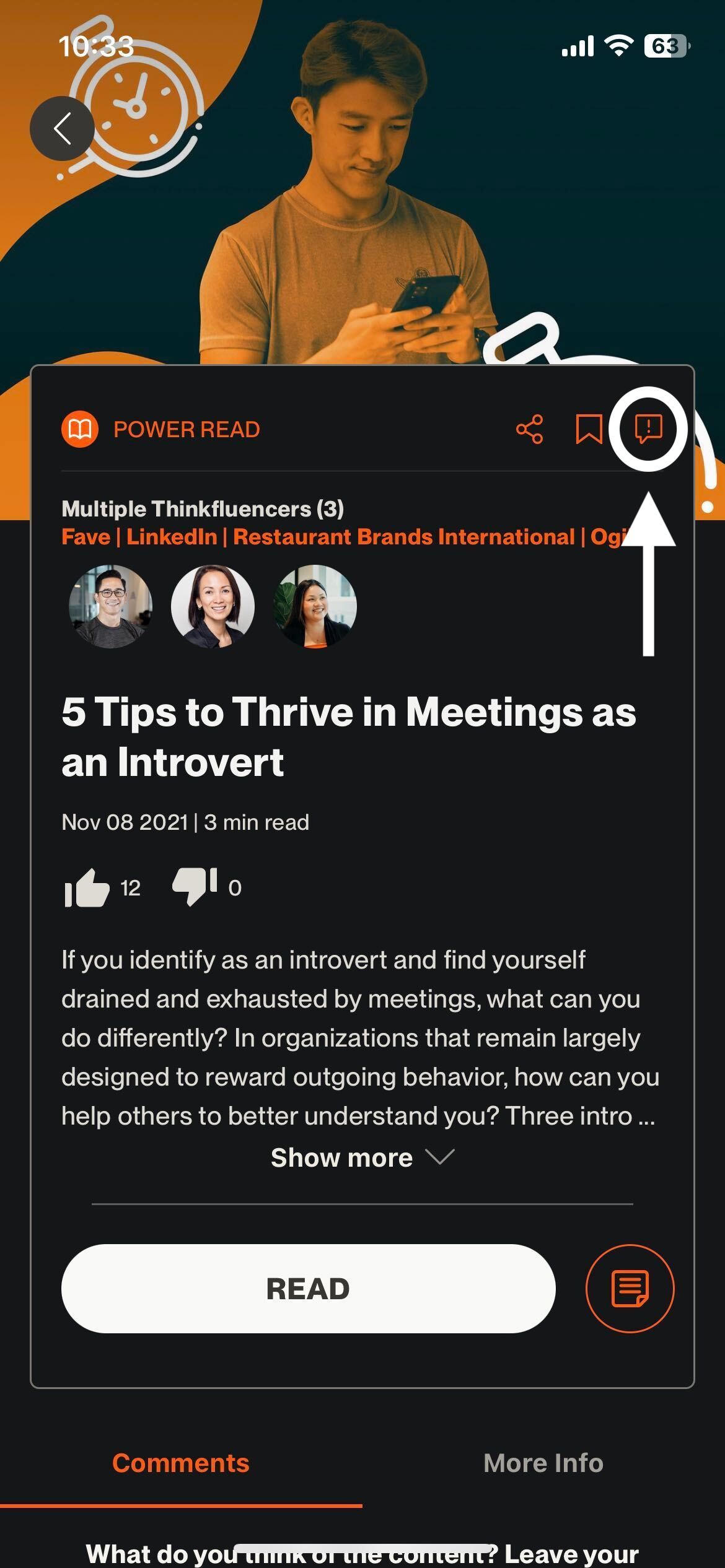
How can I report issues with a content piece?
Follow the steps below to report content:
Click on the content card you would like to report an issue with
Click on the report content icon
Choose from the following options and submit your report